Edit Read-Only PDFs for Free
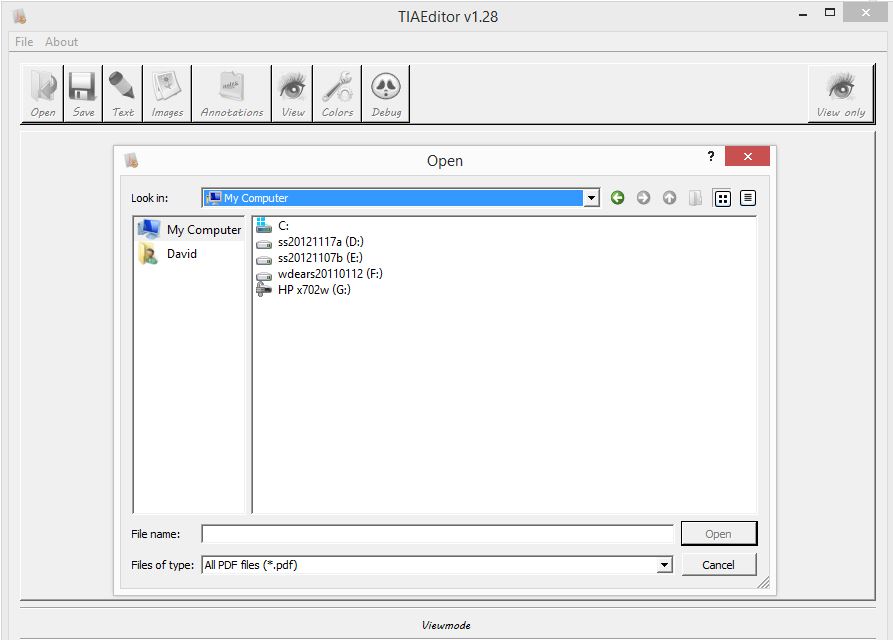
The file open dialog box was pretty rudimentary, and scanning folders with many files took much longer than it should have, but I was able to browse and open the order form PDF I wanted to fill out.
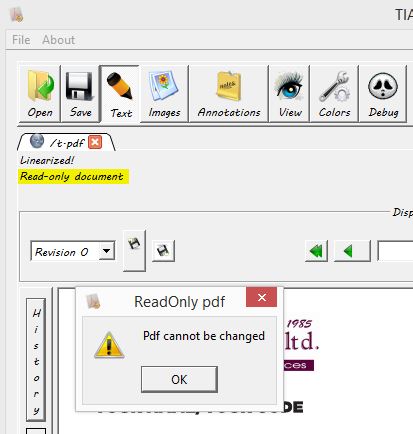
The problem was, however, when I tried to add a text field, I got the error message:
ReadOnly pdf
Pdf cannot be changed
Doh. I tried looking going to File, and then Document Info to see if there was anything I could do to make it not read-only, but it just displayed a super-wide window containing the source code of sorts for the document.
So I:
- Re-opened the PDF using SumatraPDF (the free and lightweight PDF reader that I use)
- Clicked the Printer icon, and [b]selected CutePDF Writer[/b], and basically exported the original read-only/encrypted PDF file into a new one that I can now edit.
- If you don't have the excellent (and free) CutePDF Writer printer software, you can downloaded it here.
Now, going back to PDFEdit, I opened the newly created copy of the PDF generated by CutePDF, and voila, it was no longer read-only. The software is a bit of a pain in terms of not being able to move text you added, do multi-line text, etc., but it did the job. I was even able to insert an image containing my signature. Saved the file, took a look in the Sumatra PDF Reader, and it turned out nicely.
I did have an issue with sending the PDF via email. I complained to the company and they said that sorry they didn't have a PayPal account, but they never had any problems regarding customer's CC getting stolen, etc. Thankfully, however, my credit card supports Virtual Account Number (VAN), so I created one and used it in the order form, and all is well.