
Guide to Getting PHP 5 to work with IIS with Custom Identity
 When you want PHP running in Microsoft Internet Information Services (IIS) to be able to read/write files on a Windows network share, you could run into a myriad of errors and problems. Hopefully this article will help you get everything working smoothly.
Here what we want is to have IIS run as a Domain user who has the proper access to the network share.
- After you have installed PHP (in ISAPI mode), go to the IIS Manager, Application Pools, right-click on DefaultAppPool (or the name of your application pool), and select Properties.
- Go to the Identity....
 The previous article explained how to convert and import data from DBF files into MySQL. It is actually simple enough to enable the dBase extension for PHP for Windows by just by uncommenting out a line in php.ini, but if you are using Red Hat/CenOS/Fedora, this is not as simple.
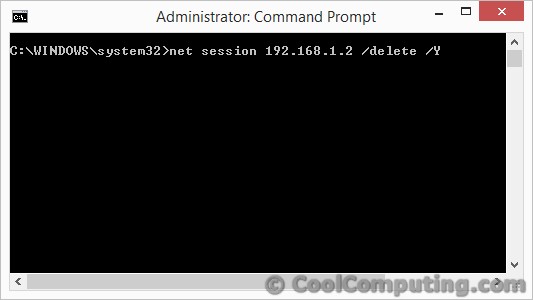
 You can easily create your own PHP cron-like script for Windows to emulate the functionality of Linux. The basic gist of it is you create a database table (or you can simply create a text file) that will hold the information about the application to execute- i.e. command, switch, executed flag column, date, & duration. I propose a 2 script solution: cron.php & cron_exec.php.
 Let's say that you've built a web application with neat HTML tables & forms, and you want your users to be able to click on a button and send the page directly to a PCL printer from your app. Or you want the web application to automatically print the html form to a PCL printer. Here is how to do it with PHP:
 I have a PHP script that is executed by cron on one of our Linux servers. As part of its task, the script will run some queries from local MySQL database. But lately I've been seeing this error message (which is emailed to me) from the script: